
Meta Just Handed Small Business Owners An AI Assistant. Should You Use It?

Last updated:
|
11 minutes readKey Takeaways
- Google confirmed the August 2026 spam update finished rolling out on August 21, targeting sites violating spam policies, with impact varying widely from site to site.
- Google has paused its rollout of AI-generated images inside AI Overviews only weeks after they started appearing, with no official reason given.
- Google Ads has rolled out a simplified A/B testing setup for Search campaigns, alongside new AI Max experimentation tools and updated Performance Planner predictions.
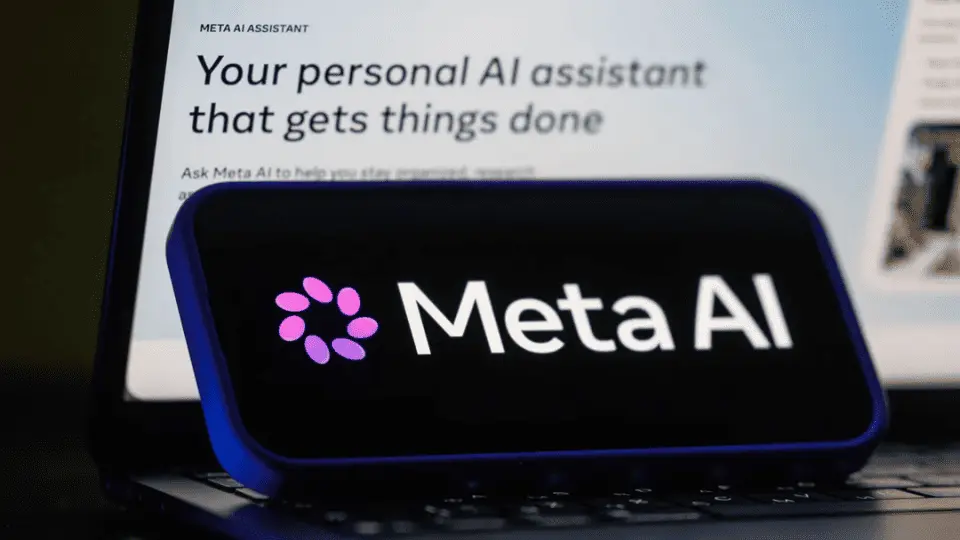
- Meta has launched an AI-powered assistant designed to help small business owners manage content, ad campaigns and customer interactions across Facebook and Instagram.
- Meta is removing the option for advertisers to exclude specific ad placements, meaning ads will now serve across its full network rather than selected placements.
This week splits into two camps. Google closed out its August spam update and pulled AI-generated images from AI Overviews after barely a month. Meanwhile, Google Ads and Meta pushed further into automated decision-making.
Across digital marketing in Australia, staying ahead increasingly means testing what’s new, questioning what’s been removed and not assuming any AI feature is settled just because it launched.
Google August 2026 Spam Update Has Finished Rolling Out
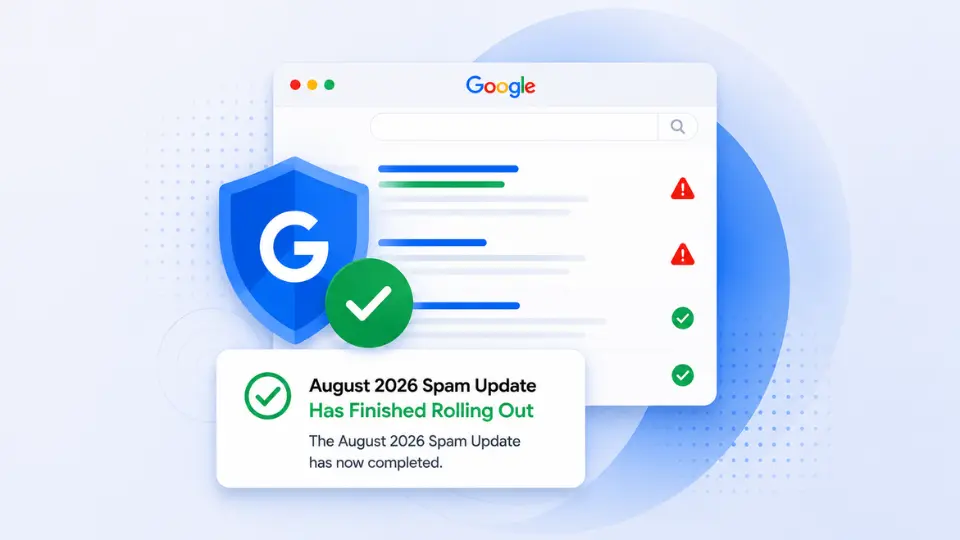
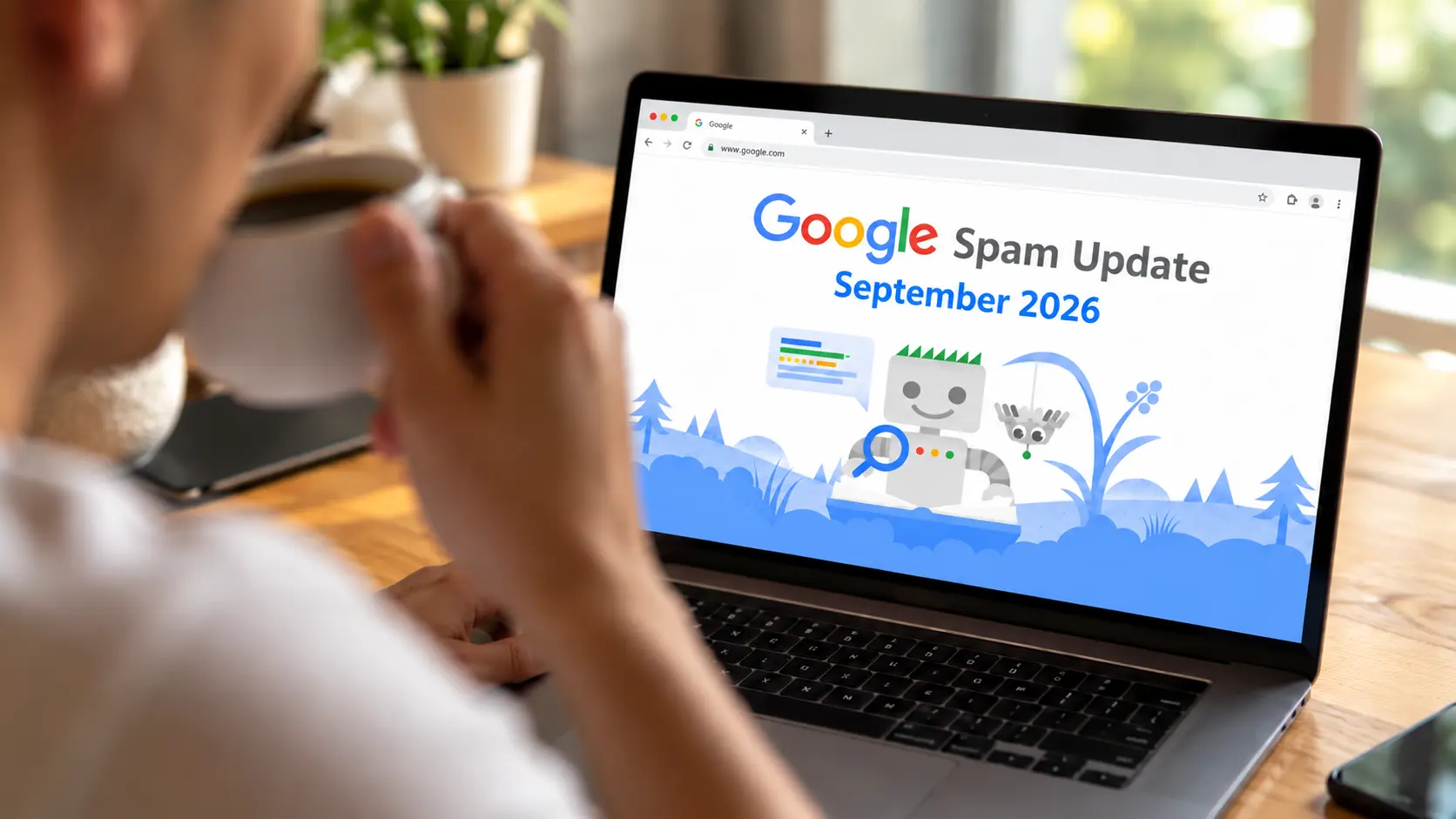
Google confirmed the August 2026 spam update finished rolling out on August 21, roughly three days after it began on August 18. It’s the third spam-focused update Google has released this year, following updates in March and June.
Unlike a core update, which reassesses quality signals broadly, a spam update specifically targets sites breaching Google’s spam policies. Google has confirmed this round did not focus on link spam or site reputation abuse, and it hasn’t disclosed how many queries or searches the update affected. Where recovery does happen, it can take months, and often depends on subsequent refreshes to the update rather than a single correction.
The gurus’ take
AWhat Google has ruled out matters more here than what it’s confirmed. Knowing link spam and site reputation abuse weren’t specific targets narrows the list of things worth investigating if your traffic moved, and it stops teams from burning time on the wrong fix.
Timing is the other thing worth getting right. Ranking tools often flag volatility before Google confirms an update is live, and Google has been explicit that this update didn’t cause movement before August 18. Anything that shifted earlier in the month has a different cause, whether that’s a separate ranking system, a competitor’s changes or ordinary fluctuation. Lumping it all into one story is how sites end up solving a problem they don’t actually have.
Your action plan
- Isolate August 18 to 21 specifically in your reporting: Pull rankings and traffic for this exact window rather than looking at the month as a whole, so you’re measuring what the update actually did.
- Check the ruled-out causes before anything else: If traffic dropped, confirm it doesn’t look like a link spam or site reputation issue before investigating further, since Google has excluded both from this update.
- Give it time before making major changes: Spam updates can take months to fully settle, so hold off on large-scale content or technical overhauls based on a single week’s data.
- Work through Google’s spam policies directly: Compare affected pages against the published policies rather than guessing at what triggered the change. If the cause still isn’t clear, an experienced SEO agency can help separate update-related movement from broader technical, content or competitive issues.
Google Pauses AI-Generated Images in AI Overviews
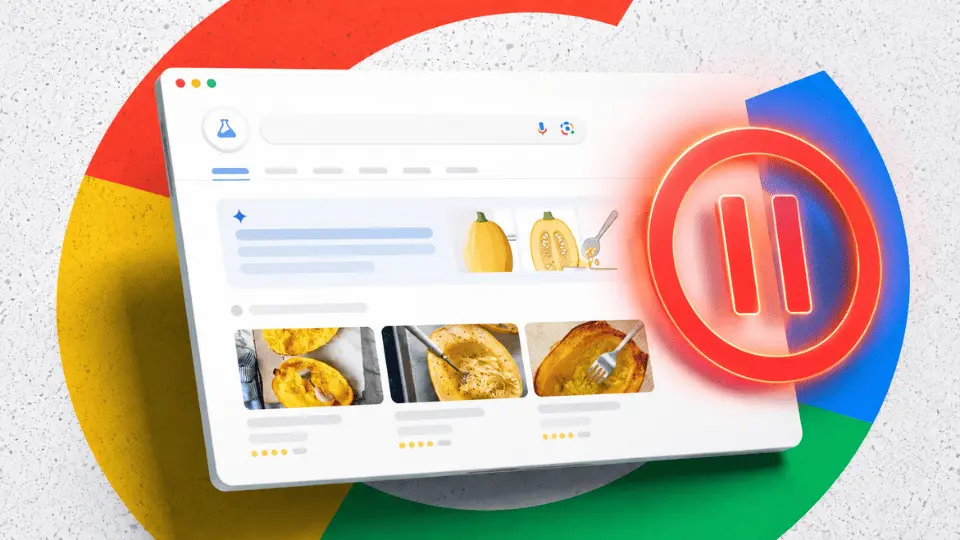
Google has paused AI-generated images inside AI Overviews, only weeks after the feature started appearing for some users. No official reason has been given, and there’s no confirmation on whether or when it will return.
Google has tested, adjusted or pulled back AI Overviews features since launch, and it’s unlikely to be the last. For brands that had already started thinking about how their products or content might show up visually inside AI Overviews, the pause is a reminder that Google is still actively rebuilding the feature set behind generative engine optimisation in real time
The gurus’ take
The speed of this reversal is the real story. A feature going live inside AI Overviews doesn’t mean it’s staying in that form, and any GEO strategy that depends too heavily on one specific AI search feature risks being out of date before teams even finish implementing it
Google hasn’t said why the pause happened, and it’s best to leave alone rather than fill in with speculation. The better use of time is doubling down on the parts of GEO that don’t depend on which individual AI Overview feature happens to be live this month: content that’s accurate, well-structured and genuinely useful to parse.
Your action plan
- Don’t build strategy around a paused feature: Hold off on investing heavily in AI-generated imagery for AI Overviews until there’s confirmation it’s coming back.
- Keep the fundamentals prioritised: Structured data, clear entity information and content that directly answers questions still matter regardless of which specific AI Overview features Google keeps live. A strong generative AI SEO service should prioritise these foundations over short-lived features.
- Set a check-in for a few weeks from now: Google’s pattern with AI Overviews has been to test, pull back and often reintroduce a changed version, so revisit this one rather than assuming it’s gone for good.
- Keep client and leadership updates honest about the uncertainty: Present AI Overviews as a feature set still in flux, not a fixed target, so expectations stay grounded.
Google Ads Rolls Out Simplified A/B Testing for Search Ads
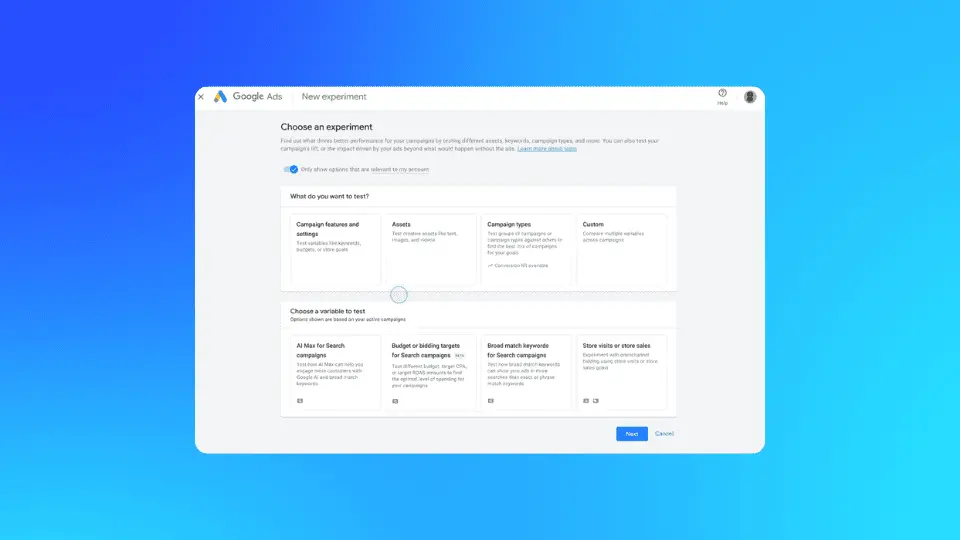
Google Ads has introduced a simplified A/B testing setup for Search campaigns, part of a wider set of experimentation and planning updates across Google Ads and AI Max. From September, advertisers will be able to run a single A/B test across multiple Search campaigns at once, seeing directly how budget and ROI target changes affect results. AI Max experiments can now run with brand and location parameters active, so advertisers can trial AI-driven optimisation without giving up existing guardrails. Performance Planner has also picked up the ability to predict how bidding or budget shifts will affect performance, and advertisers can apply its suggestions immediately.
Testing has always been one of the more reliable ways to improve Search performance, but the manual setup involved has historically put a lot of advertisers off running it consistently. This update strips out several of those obstacles.
The gurus’ take
The real shift here isn’t any one feature but what it says about how Google Ads wants testing to work going forward. Being able to test one change across several campaigns at once, instead of configuring each experiment separately, should mean more advertisers actually run structured tests rather than making changes on instinct.
The brand and location parameter additions inside AI Max experiments are worth paying closer attention to. Automation and control have always traded off against each other with AI Max, since handing more decisions to the system usually means fewer manual levers. Testing AI Max while keeping guardrails like brand and location parameters active gives advertisers a genuine way to evaluate the upside without abandoning the protections they’ve relied on. It also gives teams managing Google Ads services more room to test automation against existing campaign controls before committing to broader changes.
Your action plan
- Get ready for the September rollout now: Decide which Search campaigns make sense to test together, to avoid starting from scratch once the feature lands.
- Run AI Max tests with brand and location guardrails active: Use the new brand and location parameter options to trial automation without exposing the account to the risks that full automation used to carry.
- Check Performance Planner’s forecasts before committing budget: Compare its predictions for bidding or budget changes against your own assumptions ahead of your next spend decision.
- Record your baseline numbers now: Note current cost per conversion, ROAS and conversion volume for each campaign involved, so test results have something solid to compare against.
Meta Launches AI-Powered Assistant for Small Business Owners
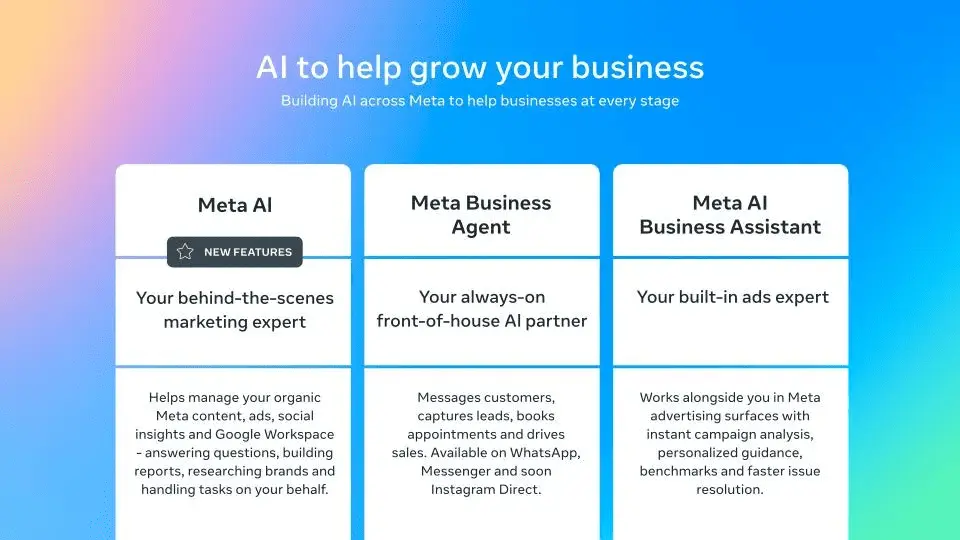
Meta has launched an AI-powered business assistant for small and medium business owners, allowing them to connect data from Facebook and Instagram analytics, Meta Ads and Google Workspace directly into Meta AI. Business owners can ask conversational questions and get guidance using that data, including feedback on actual ad examples. The assistant can also turn information into documents and spreadsheets and set up recurring tasks and reminders.
Meta has said the core features are free to start, though it’s flagged that more advanced use will eventually sit behind a Meta One subscription.
The gurus’ take
For an owner-operator managing Meta Ads without a dedicated marketing team or Meta Ads agency, this closes a real gap. Getting guidance built from your own ad performance, rather than generic advice pulled from a help centre, is a genuine upgrade for anyone stretched across too many jobs already.
Understand the free-to-start structure upfront to avoid any surprises later. Once a business has built the assistant into daily workflow, hitting a paywall becomes a bigger disruption than if the cost had been clear from the outset. Worth using, but worth going in knowing where the free tier is likely to end.
Your action plan
- Connect all three data sources before testing it properly: Link Facebook and Instagram analytics, Meta Ads and Google Workspace so the assistant is working from a full picture, not a partial one.
- Ask something specific first: Try a direct question, such as which recent ad underperformed and why, rather than a broad prompt, to get a real sense of what it can actually do.
- Sense-check every recommendation before acting on it: Weigh AI-generated suggestions against your own knowledge of the business, especially while the tool is still new.
- Watch where it starts pushing Meta One: Note which features prompt a subscription upsell, so the real cost of scaling up is clear before you’re relying on it day to day.
Meta Removes Option to Exclude Ad Placements
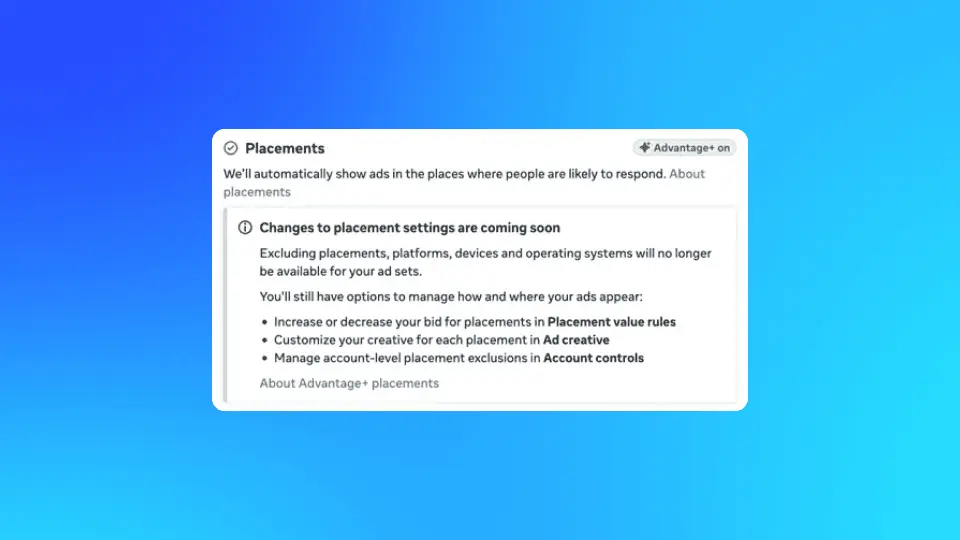
Meta is removing the ability for advertisers to exclude specific ad placements, meaning campaigns will serve across its full network instead of allowing advertisers to limit campaigns to chosen placements like Facebook Feed only or Instagram Stories only.
The change extends to excluding entire platforms too, not just individual placements. Meta’s reasoning is that its automated system is better placed to choose where each ad performs best, and the move fits its broader push towards fully automated campaigns. No firm timeline has been set, though some advertisers are already seeing notifications about the change.
The gurus’ take
This one carries more weight than it might first seem. Placement exclusions have been one of the last manual levers advertisers had for managing brand safety, creative fit and performance by environment, and losing it changes how teams need to plan campaigns from the creative brief onwards
The concern isn’t necessarily that performance gets worse. Meta’s automated placement choices are often decent at finding where an ad works. The concern is creative turning up somewhere the creative team never intended it to run: a still image designed for Feed appearing in a vertical Reels slot, or copy you wrote for one context landing somewhere the tone doesn’t fit. Brands that have used placement exclusions specifically to avoid that kind of mismatch will need a different approach now that the option is going away.
Your action plan
- Check your creative library for cross-placement flexibility: Confirm that existing assets, particularly video, can hold up across Feed, Stories and Reels rather than just the placement they were designed for.
- Design new campaigns for full-network serving from the start: Build creative that performs across Meta’s entire network, rather than optimising for a single placement when Meta may soon remove that control. If you’re working with a digital marketing agency, make cross-placement adaptability part of the creative brief from the outset.
- See what brand safety controls remain: With placement exclusions gone, check whether content or topic exclusions can still cover some of the same ground.
- Track performance by placement once the change lands: Monitor results closely for a few weeks after it hits your account so any creative mismatches get caught early.
Turn This Week’s Changes Into Your Next Move With OMG
Five updates, one underlying question: How much of your search and paid media performance do you actually understand right now? Between a completed spam update, a paused AI Overviews feature, new testing tools in Google Ads and a shrinking set of manual controls in Meta, the platforms are moving on their own schedule. Businesses that stay across it, rather than reacting after the fact, are the ones that keep their results steady through the changes.
That’s the gap Online Marketing Gurus closes as a digital marketing agency for Australian businesses. For over 14 years, we’ve helped thousands of local brands stay ahead of exactly this kind of shift, whether that’s auditing a site after a spam update through SEO, adapting content for a moving GEO landscape through generative AI SEO, building smarter test plans in Google Ads or rethinking creative for Meta Ads now that placement control is disappearing.
Book a free strategy session with our team and find out where this week’s changes actually affect your account and what to do about it.

About the author
Read More Blogs
-


Last updated on:
-
 11 minutes read
Google’s Fourth Spam Update of the Year Landed, and Search Console Got Multimodal Filters
Last updated on:
-
Last updated on:

Stop Guessing What Your Marketing Should Do Next.
Your free $4,000 strategy session shows where your digital marketing is leaking performance across search, paid media, content and conversion. You leave knowing what to fix first and what a stronger strategy could produce.